
A mouse is something you use to control your computer. You move it around on a surface, and it carries a little arrow on your screen.
In this article, we’ll talk about how a mouse works and what parts it has.

Credit: Pixabay
What is the Mouse Definition?
A mouse is a tool you use to control your computer. You move it around on a flat surface, like a desk, and it carries a little arrow on your screen.
Most mice have at least two buttons you press to do things on your computer, like clicking on icons or dragging files. Some mice have extra buttons or a wheel you can use to scroll through stuff.
A pointer device talks to your PC either with a wire or without one, and it’s essential for using your laptop easily.
The History of the Computer Mice
Pointing devices for computers have been around since the 1960s. Early versions, like Douglas Engelbart’s “X-Y Position Indicator for a Display System” from 1968, paved the way for the computer mouse we know today.
Xerox PARC made the first mouse, which became popular in the 1970s. It was called the “Xerox Alto Mouse” and had just one button. It used a rubber ball inside to track movement. When you carry it on a surface, the ball moves and tells the computer where to go.
In the 1980s and 1990s, mice got better and better. They started using optical sensors instead of balls, which made them more accurate and reliable. Later on, laser mice came out, which were even more precise because they used lasers instead of lights to track action.
What are the Mouse Types?
In today’s world, using a pointer device is really important. There are lots of different kinds of mice out there, so it might be hard to know which one to pick. In this title, we’ll talk about six types of computer mice and what makes each one special to help you choose the right one for you.
1) Mechanical Mouse
Credit: Pixabay
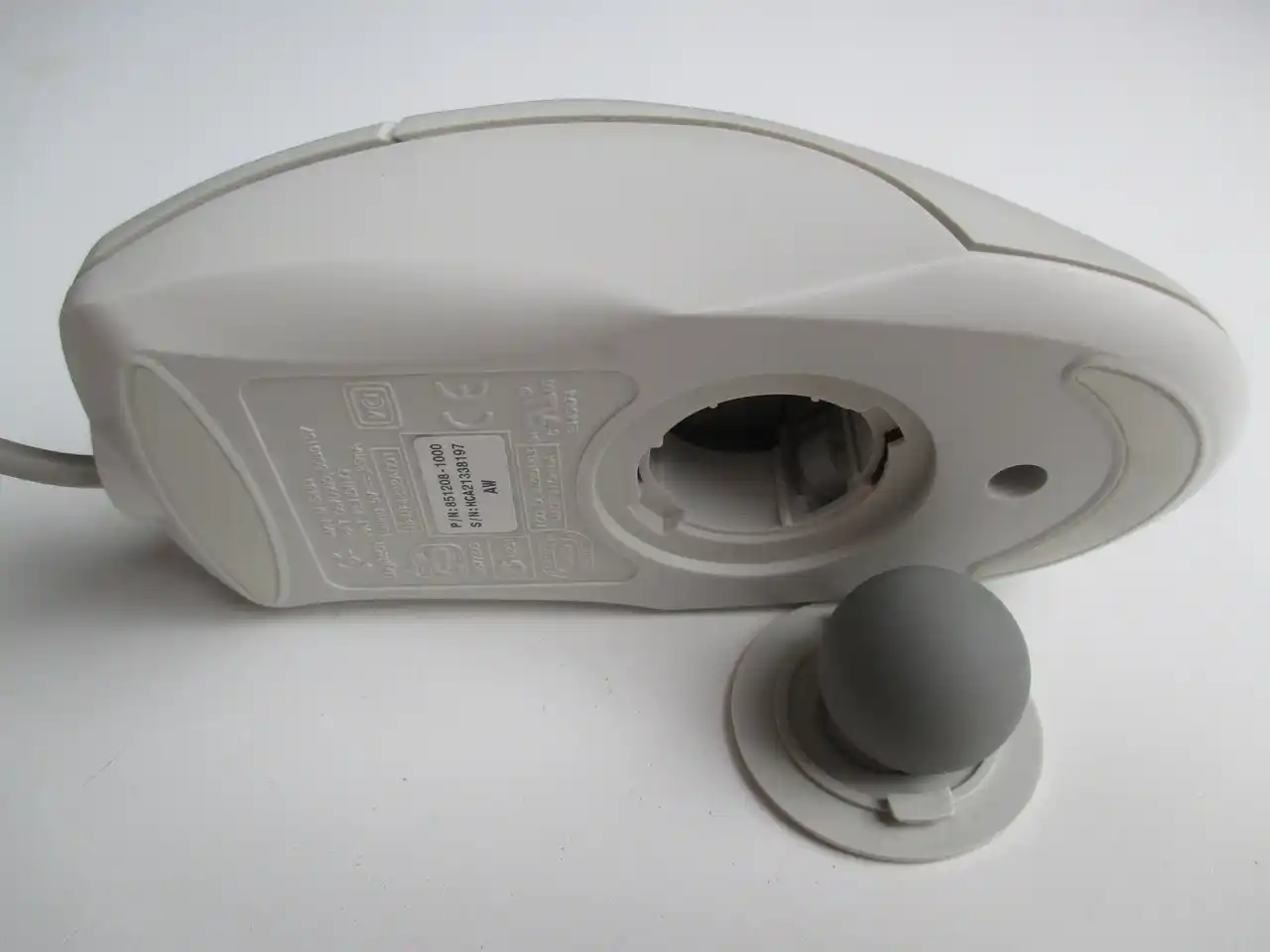
This type is the oldest kind still around. Inside, there is a ball that spins when you push the device, and little rollers detect how the ball moves and make the cursor on your screen activity, too.
These mice work well, but they can get dirty quickly, which might make them not work as well.
2) Optical Mouse
Credit: Pixabay
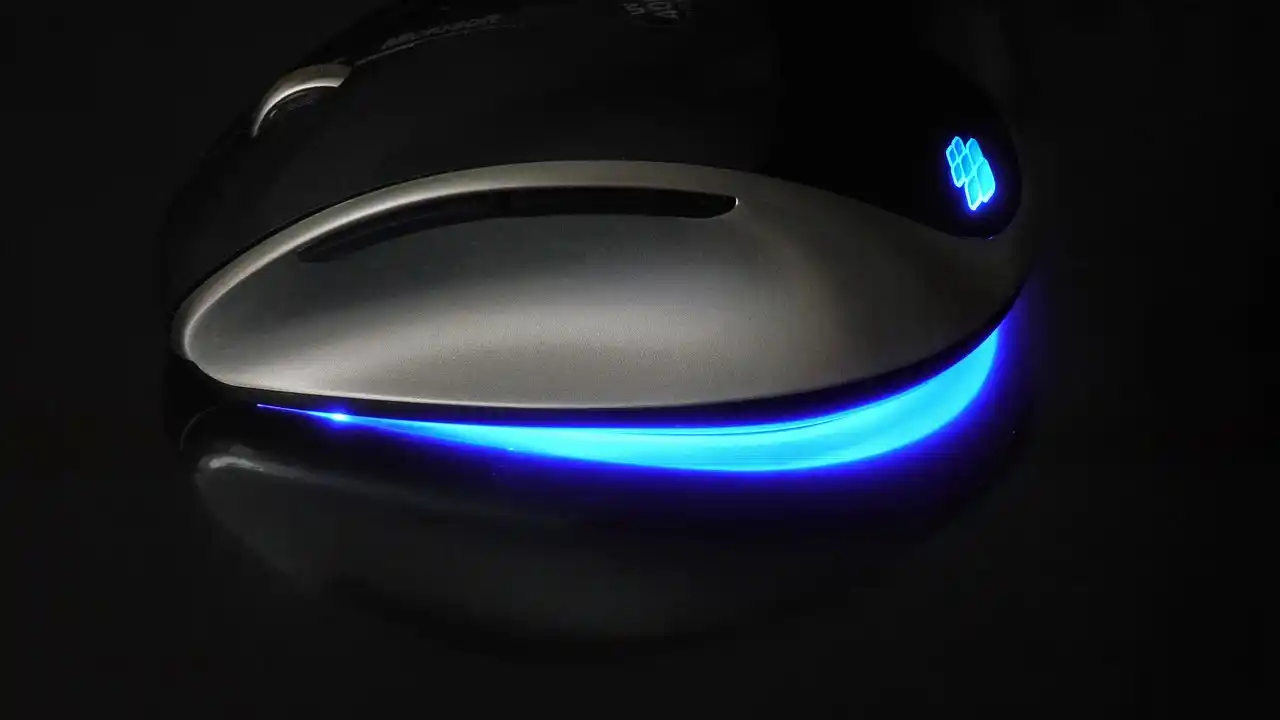
Optical mice are different from mechanical ones. Instead of a ball, they use a light to track movement. They have sensors that can detect how the light changes, which helps them move the cursor on your screen.
These are more accurate than mechanical ones and can be cleaned less often.
3) Laser Mouse
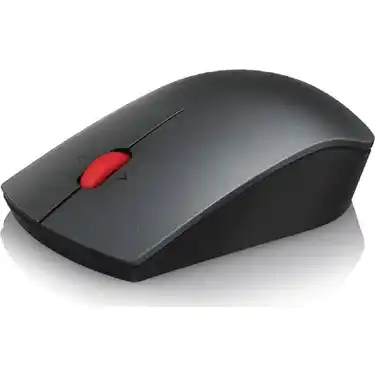
Laser mice are like optical ones but use a laser instead of light. This makes them super accurate, especially on tricky surfaces like glass or smooth ones.
They’re great for gamers or people who need to be really precise, like graphic designers.
4) Wireless Mouse
Credit: Pixabay
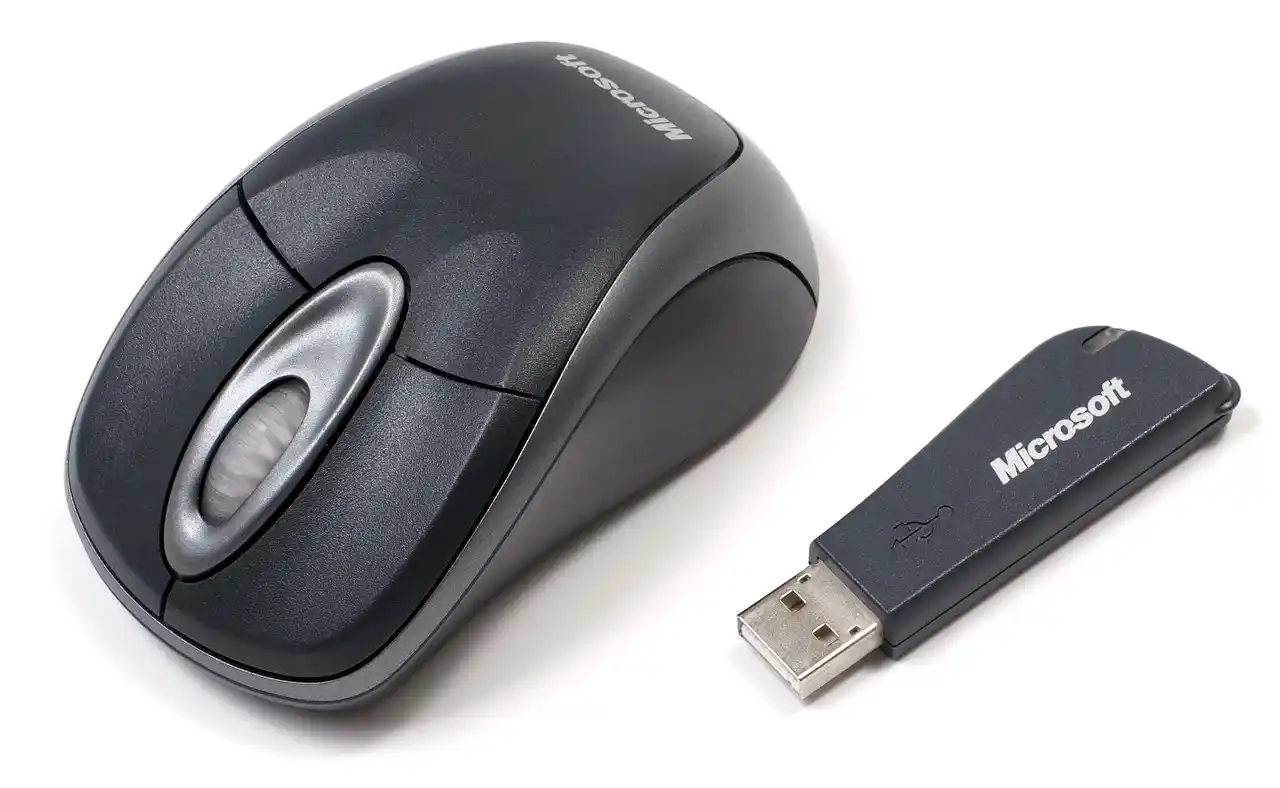
Wireless mice connect to your host device using Bluetooth or radio signals. They’re handy because you don’t need to deal with cords, which can get in the way.
But they require batteries, which can die, and sometimes, they might not work well if other devices interfere with their signals.
5) Ergonomic Mouse
Credit: Pixabay
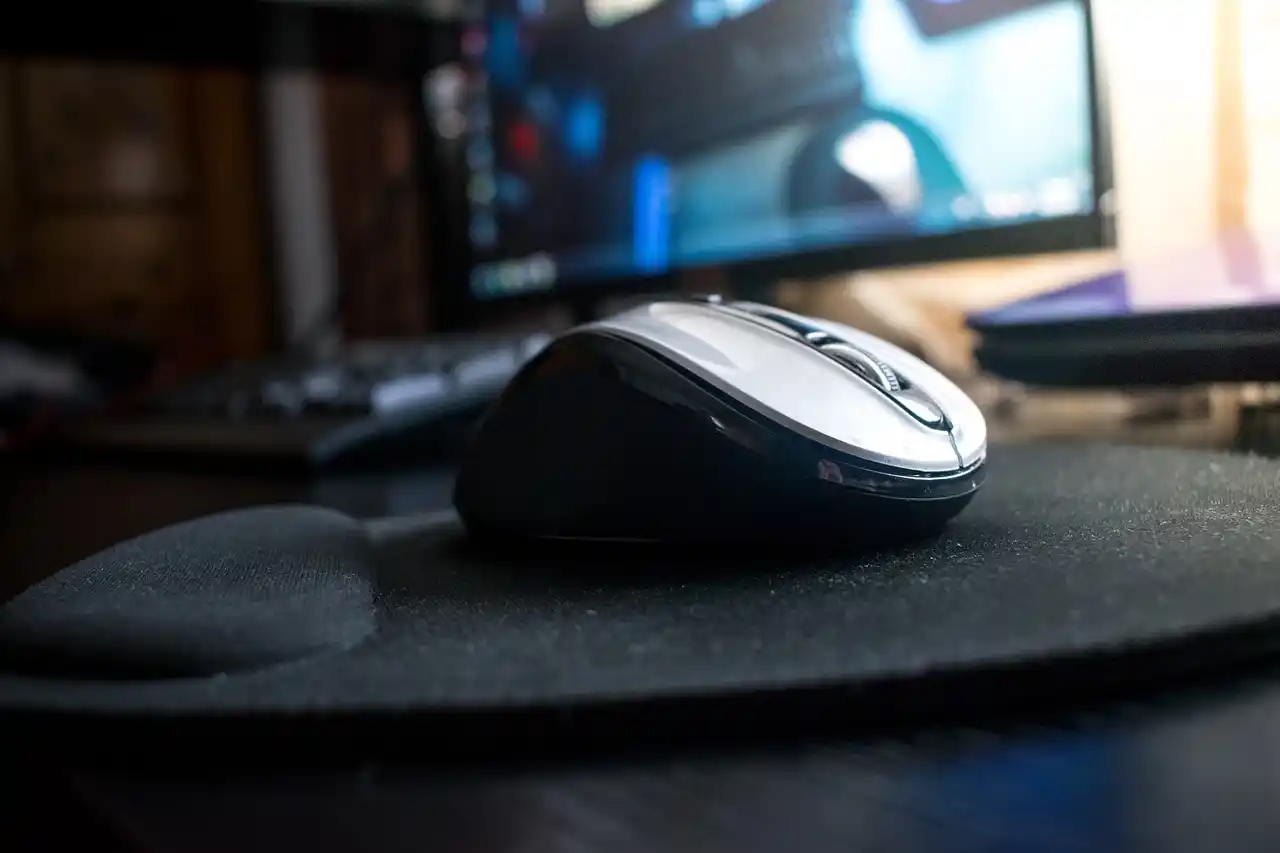
Ergonomic mice are made to help your hand and wrist feel better when you use them. They come in all sorts of shapes and sizes to fit different hands and how you hold them.
These types are great for folks who use the computer a lot and want to avoid hurting their hands from making the same motions over and over.
6) Gaming Mouse
Credit: Pixabay
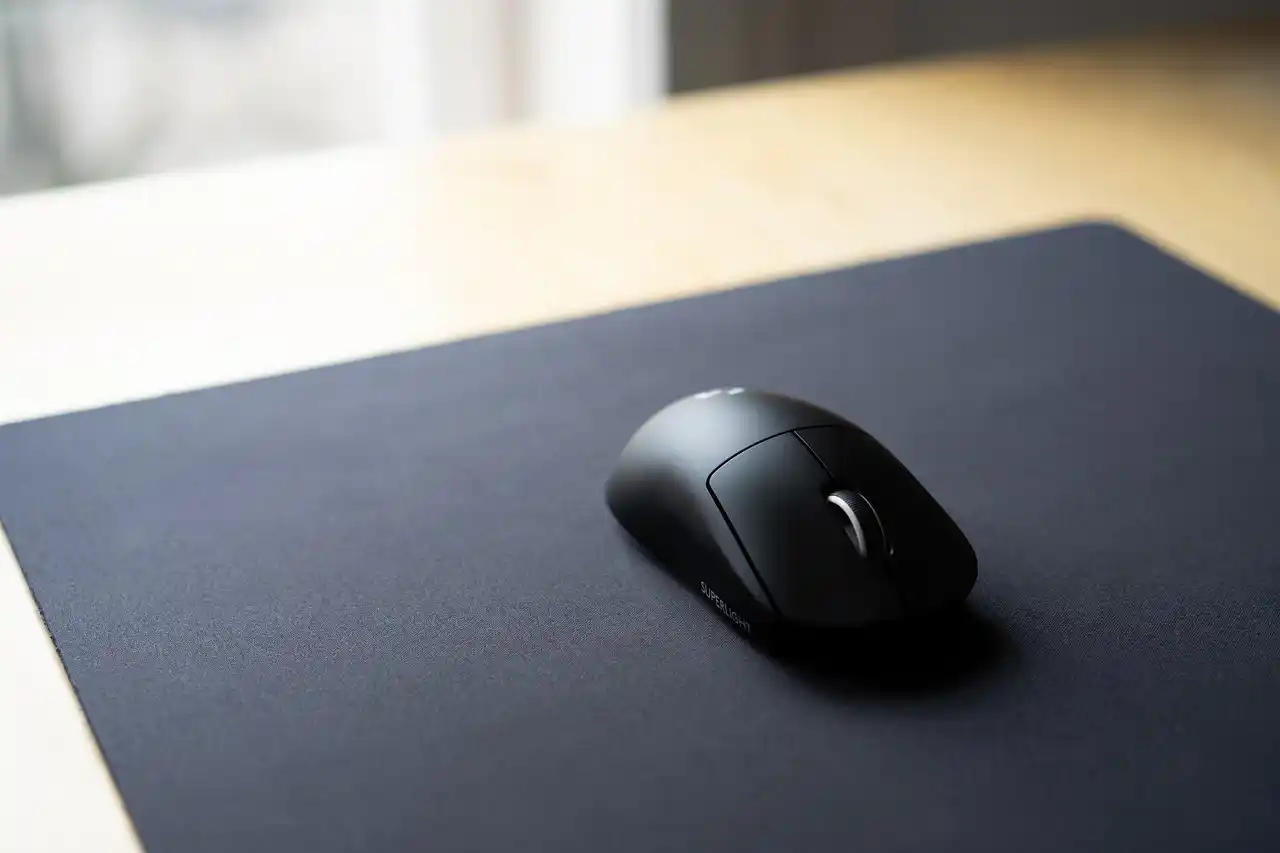
Gaming mice are made for gamers. They usually have buttons you can change, super accuracy, and weights you can adjust to fit how you play.
They’re more sensitive and faster than regular devices, so you can drag around fast and accurately when you’re playing games.
What are the Physical Structures of the Mouse?
If you use a PC, you’ve likely used mice many times. But have you ever thought about what’s inside this important PC tool? Let’s take a look at the physical parts that make up it.
1) Housing
This structure is the outside part that holds all the stuff inside. It’s usually made of plastic and comes in different shapes and sizes, depending on how a pointer device looks.
The housing is what you grip when you’re using it.
2) Buttons
The buttons on it are what you press to do things on your computer. Usually, there are two buttons, one on the left and one on the right.
But some mice have extra buttons for particular jobs. The buttons are usually made of plastic and have springs inside that make them click when you press them.
3) Scroll wheel
The scroll wheel is a tiny wheel found between the two buttons on many mice. It lets you move up and down on a webpage or document without clicking and dragging the scroll bar.
The scroll wheel is usually made of rubber or plastic and has little bumps that you can feel as you scroll.
4) Sensor
The sensor is what keeps track of where the mouse moves.
Usually, it’s on the bottom of it and uses a laser or a light to see where you’re driving it on a surface. The sensor tells your computer how it is moving so you can drive the arrow on your screen.
5) Cable or wireless connection
Last but not least, the cable or wireless connection links the mouse to your computer.
Many devices come with a USB cable that plugs into a USB area on your PC. But some cursor controllers use wireless tech, like Bluetooth, so you don’t need a cable to connect them to your computer.
How Does a Computer Mouse Work?
No matter how they look, all PC mice work in the same way. When you move the mouse on a surface, sensors inside it notice the action and turn it into signals that go to the PC. Then, the computer’s software figures out where to drag the cursor on the screen.
Older mice, like the ones with balls, need to touch the surface to know where they’re going. When the ball spins, little rollers inside the device feel which way it’s going and how fast.
But newer optical and laser clickers don’t touch the surface. Optical ones use lights and sensors to take pictures of the surface under it. They use these pictures to work out how far and in what direction it moves. Laser cursor devices do the same thing but use laser light instead of regular light, which makes them even more accurate.
What are the Usage Areas of Computer Mouse?
It’s that little thing you use to drive around and do stuff on your PC. But have you ever thought about all the different things you do with your device every day? Let’s take a closer look at all the other ways we use our computer mouse.
- Navigation
The main job of the PC mouse is to help you move around the PC. When you navigate it, it carries a little arrow on the screen. This lets you choose things like files, folders, and programs.
- Selection
Besides moving around, it is also used to pick things on the screen. When you click the left button, you can highlight stuff like text or pictures. Then, you can copy, paste, or get rid of them.
- Scrolling
Lots of programs let you move up and down by rolling the wheel. It’s handy when you’re reading long stuff like documents or web pages.
- Drag and Drop
Another thing people often do with it is drag and drop. It lets you move stuff like files or folders around on your computer. You click on them, hold down the button, drag them where you want, and let go. Easy!
- Gaming
For gamers, mice are super important. Lots of games need you to be really precise with your movements and clicks. Having a suitable gaming device helps you do better.
- Graphic Design
Graphic designers use the PC mice a lot, too. They use special software and a graphics tablet to make detailed drawings and designs quickly.
- Video Editing
Video editors also use this device a lot. They use special software to work with video footage, like cutting and joining clips and adding effects to it.
- Accessibility
Also, it can be beneficial for people with disabilities. There are unique software and gadgets that let them control their computers just using their eyes or other devices that help them.
- Presentations
It is super essential for presentations. With a wireless one, presenters can navigate through their slides and talk to their audience without needing a keyboard.
The Importance of the Mouse
Let’s sum up why the computer mouse is so vital in simple terms. Since the 1960s, the way we use PCs has changed by making it easier to move around on the screen.
It has stayed popular because it’s easy to understand and use. It’s something everyone can rely on, whether they’re using a PC for fun or work. Some people might say touchscreens are taking over, but it is still essential.
One significant advantage of the mouse is how accurate it is. Unlike touchscreens, you can push it exactly where you want it to go. This accuracy is super helpful for things like drawing or designing, where you need to be precise.
Also, the mice are really versatile. You can use it for lots of different things, like scrolling through websites or playing games. That’s why lots of other people, from office workers to gamers, find it useful.
Their Role in Computing
PC mice are more than just handy for clicking and moving stuff on your computer screen. It changed how PC programs are made. Most programs now have something called a graphical user interface (GUI), and this device helped make that happen. Because this cursor controller lets you adjust things exactly where you want them, programs are easier to understand and use.
Even though touchscreens and touchpads are becoming more common, they aren’t going away anytime soon. It’s so good at lots of different things and is super accurate that it’ll stay important for computer users for a long time.
Conclusion
To sum up, the mouse has been essential in computing since it was first made in the 1960s. It’s accurate, can do lots of different things, and helps make computer programs more accessible to use with graphical interfaces. Even with new technology coming out, the mouse will continue to be a big deal in computing.